

Shop VR headsets and VR Goggles (550)
VR headsets plus must-have glasses and accessories for immersive play.



FAQ - Virtual Reality Headsets
What are the main types of VR headsets?
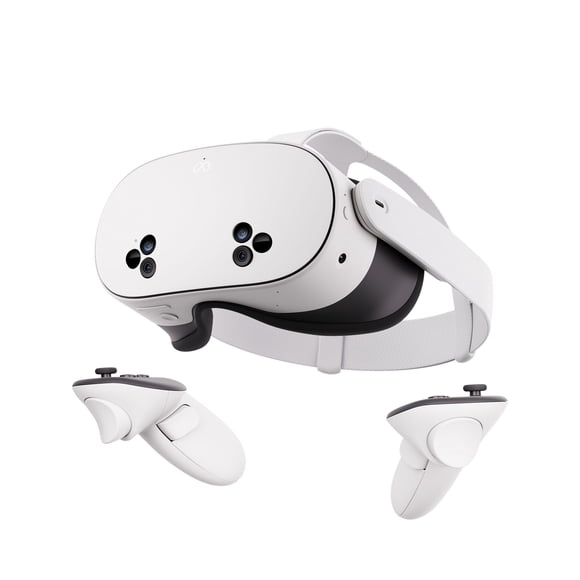
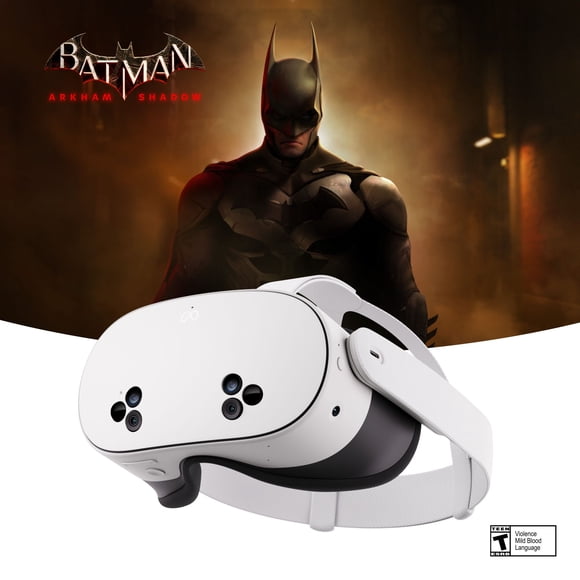
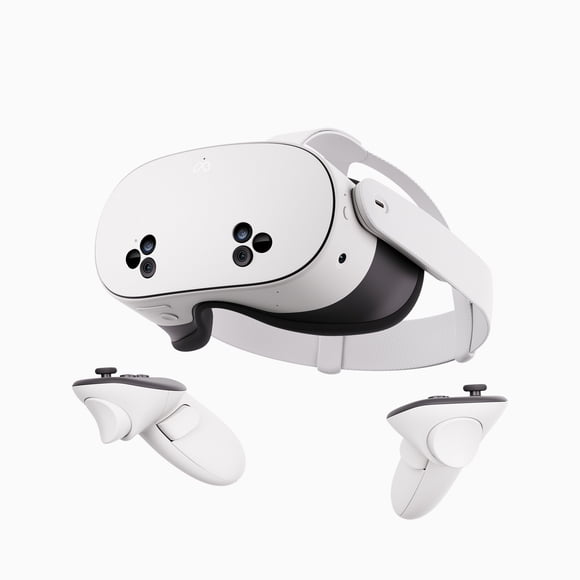
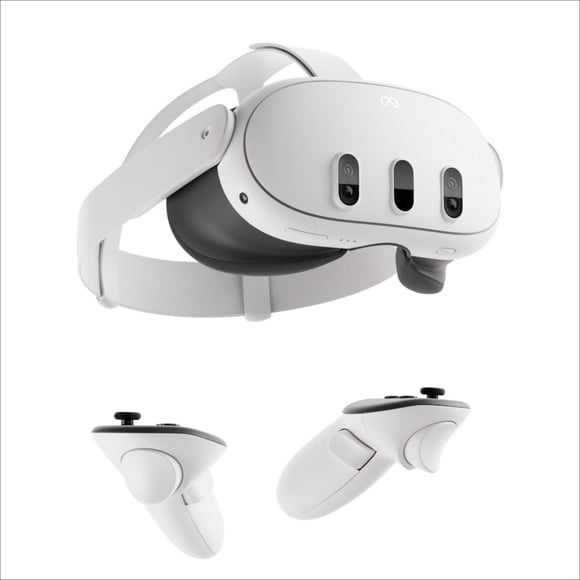
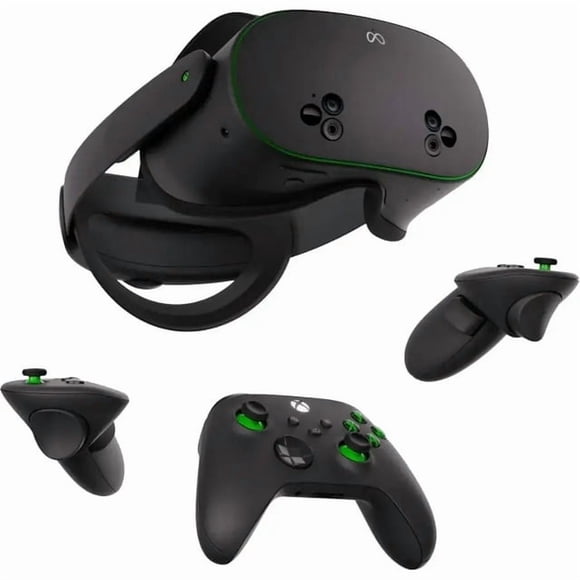
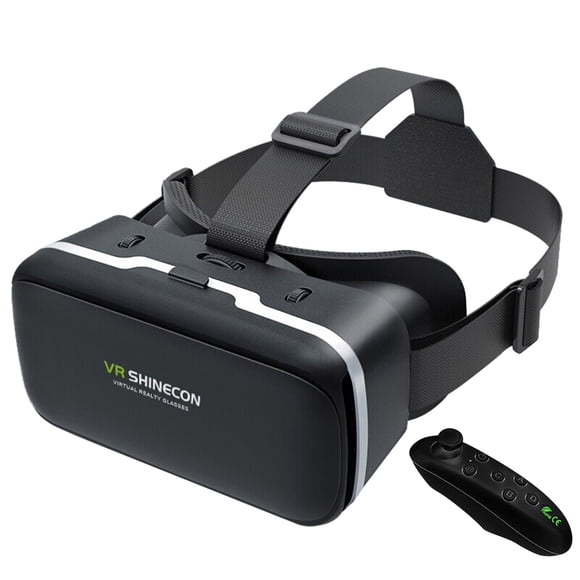
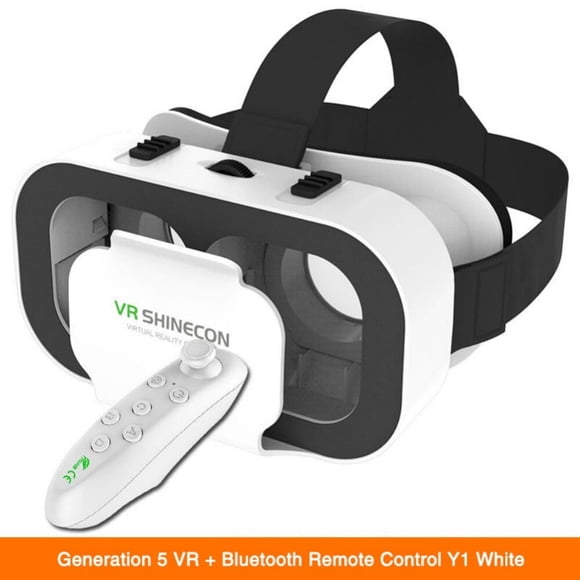
Virtual reality headsets come in three main types: tethered, standalone, and mobile. Tethered headsets connect to a powerful PC or console, offering high-quality graphics and performance, ideal for gaming and professional use. Standalone headsets operate independently without external devices, providing portability and ease of use with built-in processors and storage. Mobile VR headsets use smartphones as their display and processor, making them more affordable but less immersive. Each type varies in terms of tracking capabilities, resolution, and user experience. Choosing the right headset depends on the intended use, budget, and desired level of immersion and interactivity.
Can VR headsets cause eye strain or motion sickness?
Yes, VR headsets can cause eye strain or motion sickness, especially during extended use or when the visuals are not properly aligned. Eye strain may result from focusing on screens that are very close to the eyes, while motion sickness often occurs when there is a mismatch between visual movement and physical sensation. This can lead to dizziness, nausea, or headaches. Factors like low frame rates, poor tracking, and latency contribute to discomfort. Taking regular breaks, adjusting headset settings, and gradually increasing usage time can help reduce these effects and make the experience more comfortable for most users.
What accessories enhance the VR headset experience?
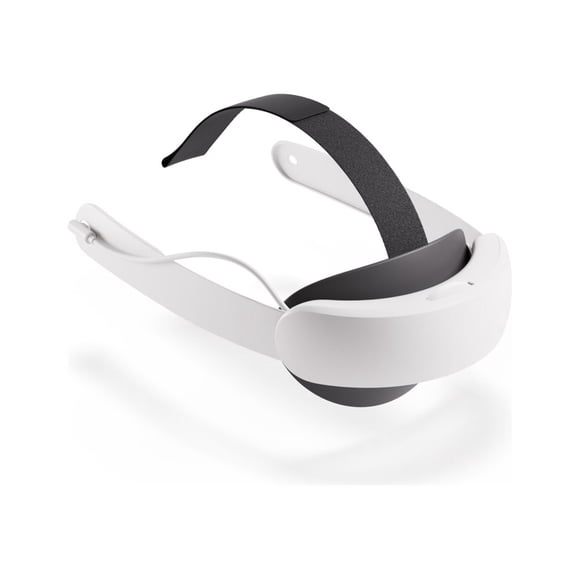
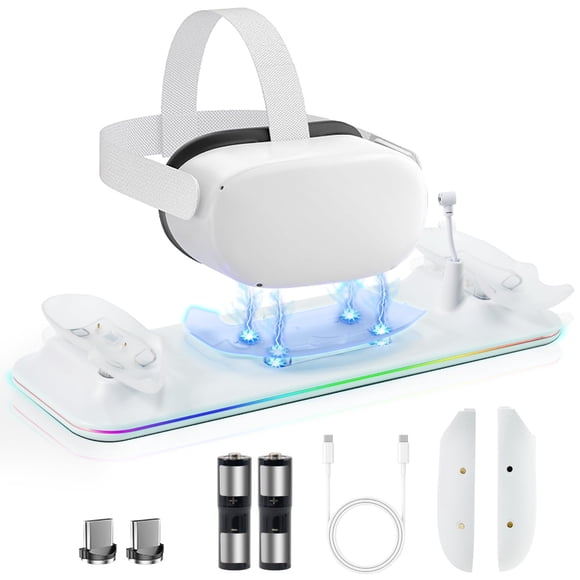
Accessories that enhance the VR headset experience include motion controllers, which allow users to interact naturally with virtual environments, and haptic gloves that simulate touch and texture. External sensors improve tracking accuracy, while VR treadmills enable physical movement within virtual spaces. High-quality headphones or spatial audio systems boost immersion through realistic sound. Face cushions and head straps increase comfort during extended sessions. Prescription lens inserts help users with vision correction. Charging docks and cable management systems keep setups organized and ready for use. These accessories collectively improve realism, comfort, and usability, making the virtual experience more engaging and enjoyable.
Are VR headsets compatible with all gaming platforms and PCs?
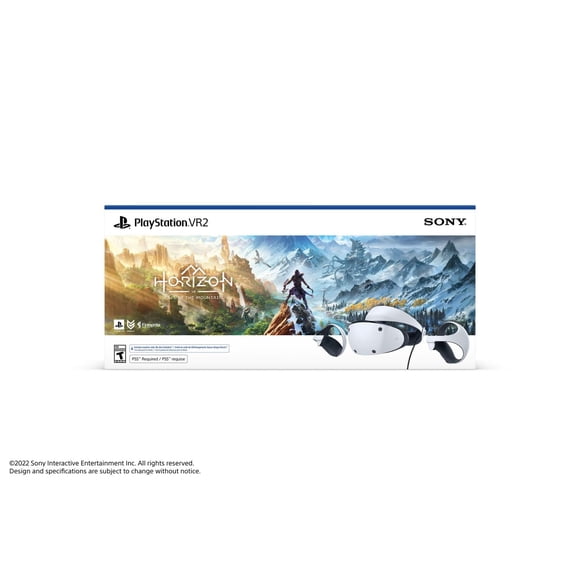
VR headsets are not universally compatible with all gaming platforms and PCs. Compatibility depends on the headset model, operating system, and hardware requirements. Some headsets are designed specifically for consoles like PlayStation, while others work only with high-performance PCs. Standalone headsets operate independently but may have limited access to certain games or apps. PC-based headsets often require specific graphics cards, USB ports, and software drivers. Cross-platform support is improving, but users should always check system requirements and supported platforms before purchasing. Ensuring proper compatibility is essential for optimal performance and access to the full range of VR content.
How comfortable are VR headsets for long-term use?
Comfort during long-term use of VR headsets depends on design, weight distribution, padding, and ventilation. Lightweight headsets with adjustable straps and soft face cushions tend to reduce pressure on the face and head. Poor ergonomics can lead to discomfort, neck strain, or headaches after extended sessions. Heat buildup and lack of airflow may also contribute to fatigue. Some users experience eye strain or dizziness if the headset’s optics are not properly aligned. Frequent breaks and proper fit adjustments help improve comfort. Manufacturers are continuously improving headset designs to support longer, more enjoyable use without compromising physical well-being.