

Xbox Series S & Xbox Series X controllers(180)
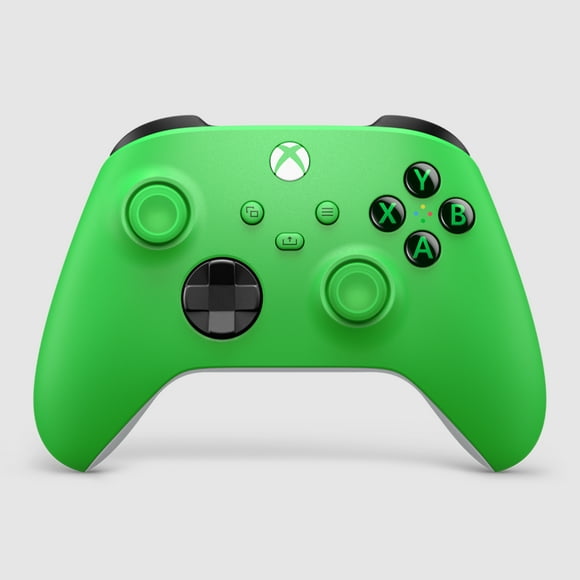
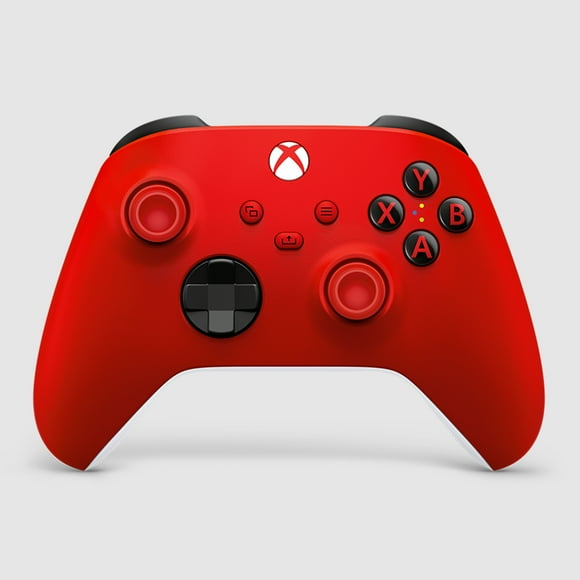
Stay in control and perform better with xbox series x series s controller.
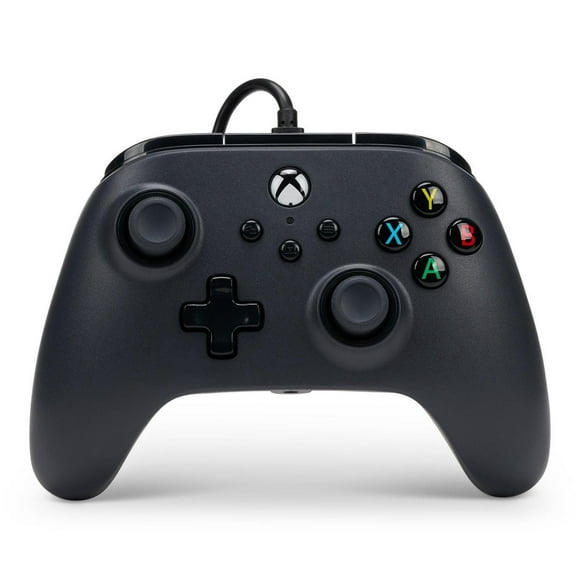
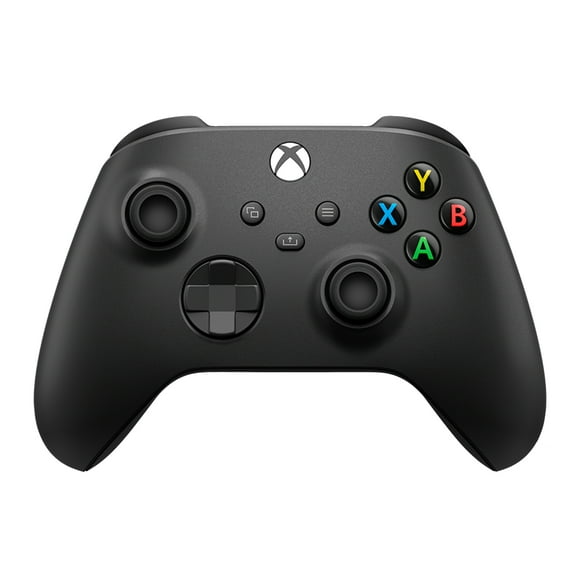


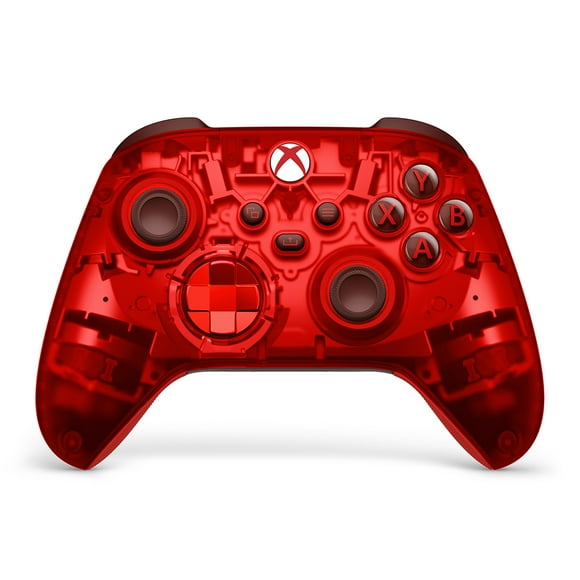
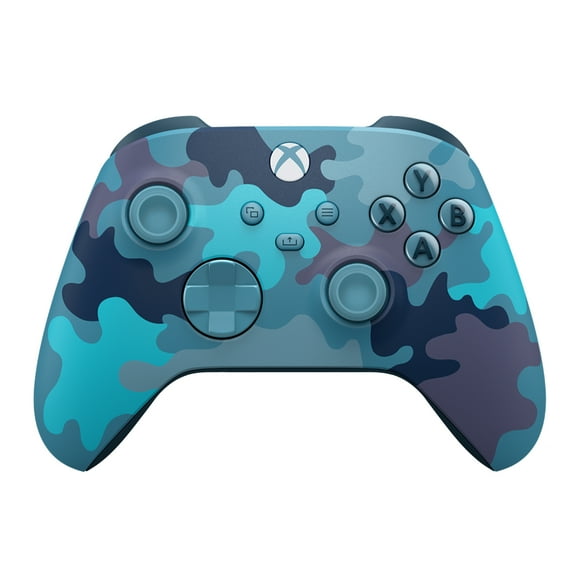



Related pages
FAQ - Xbox Series S & X Controllers
What devices can the Xbox Series S & Xbox Series X controllers connect to?
The controllers for the Xbox Series X and Xbox Series S can connect to a wide variety of devices, offering flexible gameplay across platforms. They work natively on the Series X and Series S consoles using Xbox Wireless. They also support Bluetooth and USB‑C connections, allowing pairing with Windows 10/11 PCs, Android devices, and iOS devices. Additionally, the same controllers maintain compatibility with earlier consoles in the lineup, such as the Xbox One, making them highly versatile for gaming on multiple devices.
Can the buttons be remapped or customized for Xbox Series S & Xbox Series X Controllers?
Yes — the controller for Xbox Series X and Xbox Series S supports button remapping and customization. Through the Xbox Accessories app you can create custom profiles and remap most buttons, swap sticks or triggers, invert axes, and disable vibration. You can also specifically remap the “Share” button’s single‑tap, double‑tap or long‑press actions—assigning functions like opening apps or accessibility features. This flexibility lets each player tailor the controller layout to their preferences or accessibility needs.
What’s new compared with previous generation controllers?
The controller for the Xbox Series X and Series S keeps the familiar shape of its predecessor but introduces subtle yet meaningful improvements. It adds a dedicated Share button on the front for instant screenshots and video captures. The D‑pad has been redesigned into a hybrid style—combining the best of a traditional cross‑pad and a dish‑style layout for better accuracy. It also features Dynamic Latency Input (DLI) to reduce input delay, USB‑C connectivity replacing older micro‑USB, and enhanced compatibility across Xbox consoles and devices.