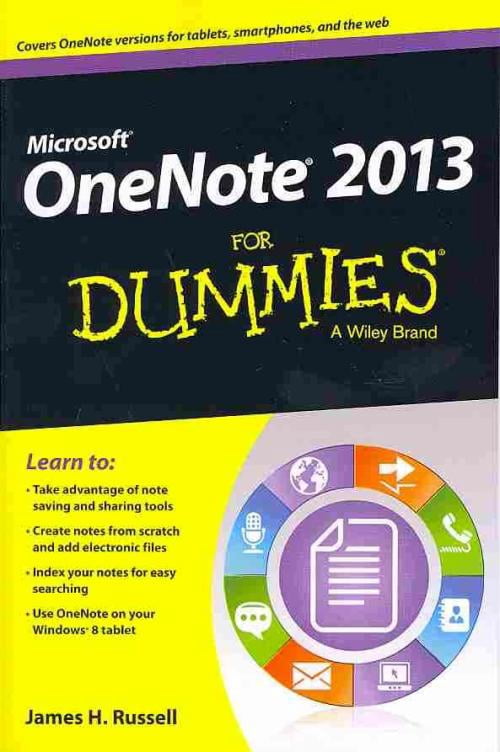
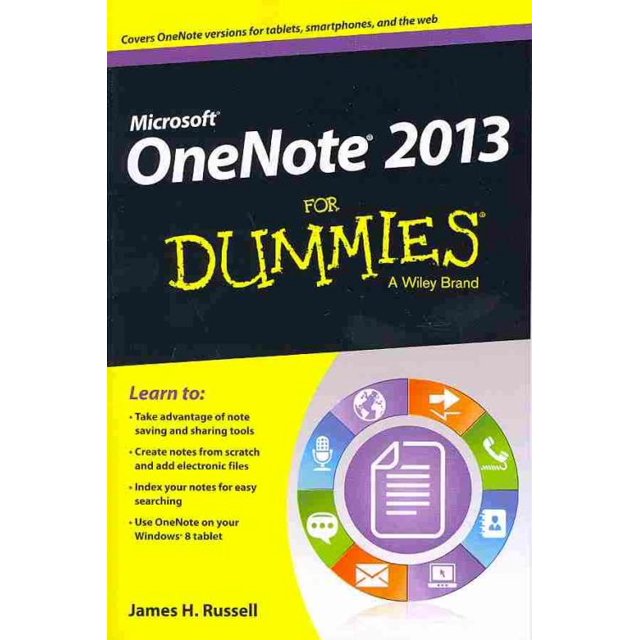
Learn to:
- Take advantage of note saving and sharing tools
- Create notes from scratch and add electronic files
- Index your notes for easy searching
- Use OneNote on your Windows(R) 8 tablet
Take note! OneNote lets you organize, access, and share notes on multiple devices
OneNote is much more than a note-taking app for students. The 2013 incarnation is a feature-rich application with online and tablet versions that enable sharing and collaboration. And this book shows you how to take full advantage of everything it offers -- text recognition, the ability to include data from other Office apps, and more!
- Meet OneNote -- navigate the interface, create a Microsoft account, and set up a notebook
- Note how it's done -- make your first notes, organize them, and choose whether to sync your notes manually
- Tag it -- tag notes for followup, mark ideas, identify items to be e-mailed, and establish priority



 How do you want your items?