





PS5 headsets & headphones(173)
Elevate your gaming setup with a PS5 headset. Immerse yourself in the action like never before.
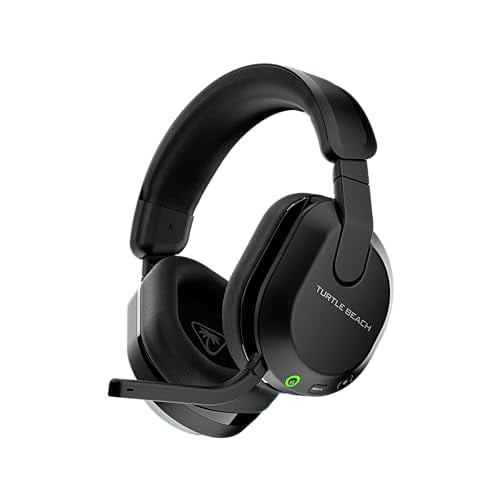

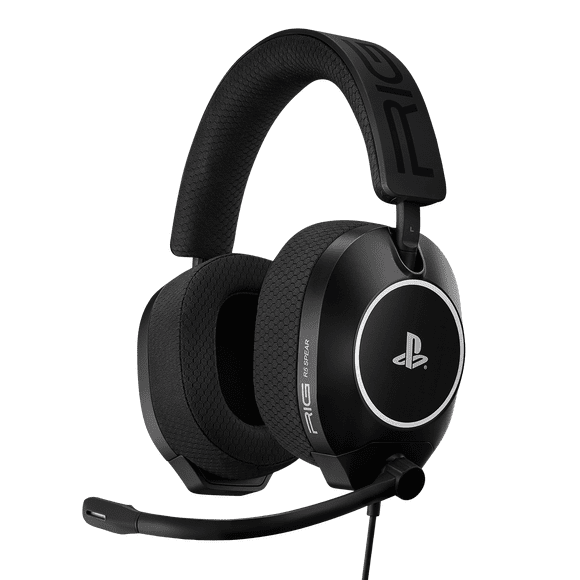

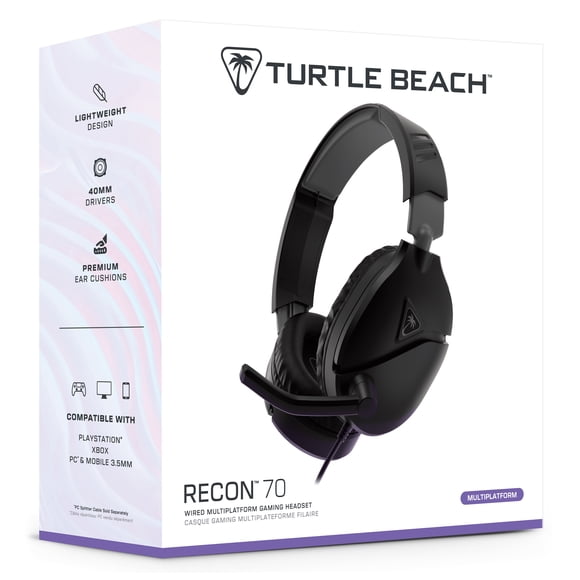
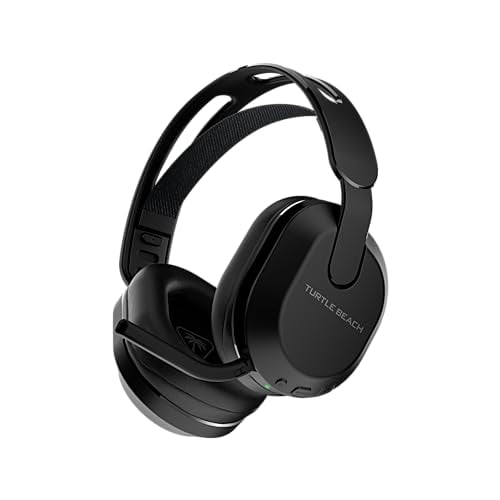
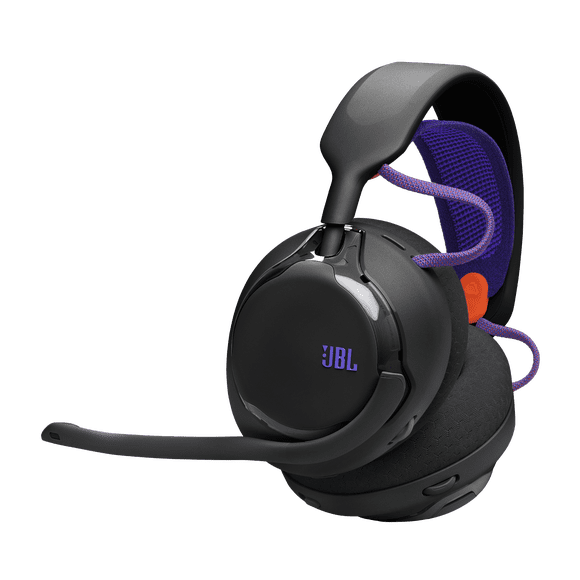
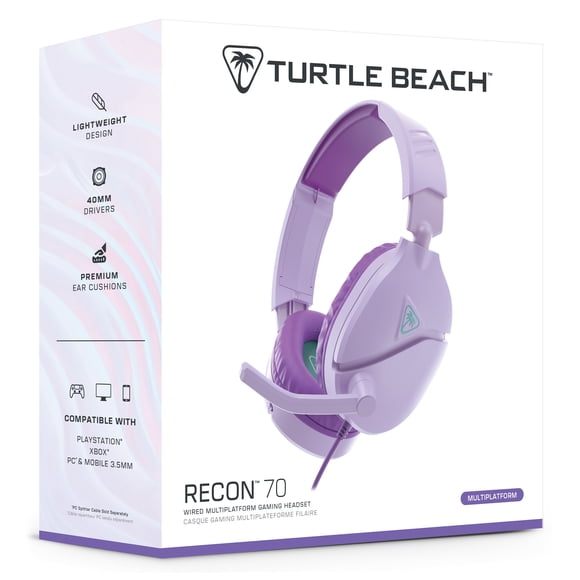
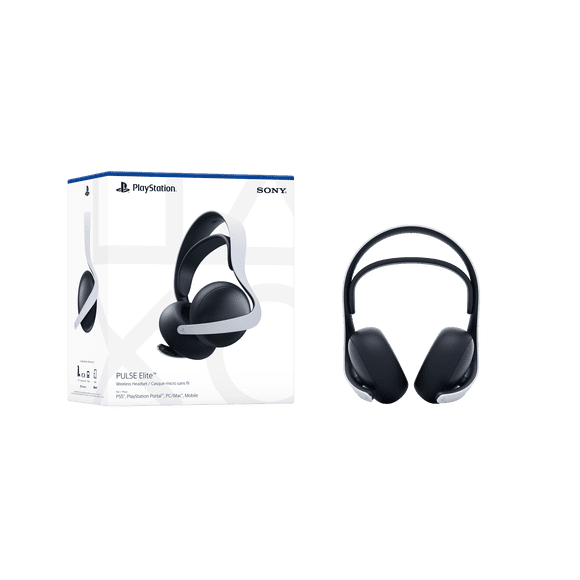
FAQ - PS5 Headsets
How does a PS5 headset work?
A PS5 headset works by transmitting audio from the console to the headphones, allowing immersive gaming sound and clear voice chat. Wired models connect via the 3.5mm jack on the controller or USB, while wireless models use a USB dongle or Bluetooth connection to communicate with the console. Many headsets support 3D Audio, providing directional sound to enhance gameplay. The built-in microphone captures your voice for multiplayer chat, with some models offering noise-canceling or mute features. Users can adjust volume, chat balance, and audio modes through the console settings for a customized experience.
How to use a headset on a PS5?
Using a headset on a PS5 is straightforward. For wired headsets, plug the 3.5mm jack into the DualSense controller or connect via USB if supported. For wireless headsets, insert the included USB dongle into the console, turn on the headset, and wait for it to pair automatically. Then, navigate to Settings → Sound → Audio Output on the PS5, select the headset as your output device, and adjust volume and chat balance. For headsets with a microphone, ensure the input device is set correctly and the mic is unmuted. You can also enable 3D Audio if supported for immersive gameplay.
Do I need an adapter for headphones on PS5?
You do not necessarily need an adapter to use headphones with a PS5 console. Wired headphones can simply be plugged into the 3.5 mm jack on the DualSense controller and will work. However, if you want to use wireless Bluetooth headphones that are not officially supported, you will need a compatible USB audio adapter (dongle) because the PS5 does not support generic Bluetooth audio devices natively.
Can any headphones work on PS5?
Yes — you can use most headphones with the PlayStation 5, but how well they work depends on how they connect and what features you want. Wired headphones that plug into the 3.5 mm jack on the DualSense controller will almost always work for game audio. USB‑headsets are also generally supported. However, standard Bluetooth wireless headphones may not work properly because the console doesn’t officially support generic Bluetooth audio. If you want full features like voice chat and low latency, a gaming headset designed for PS5 or one with a USB dongle is the safest option.