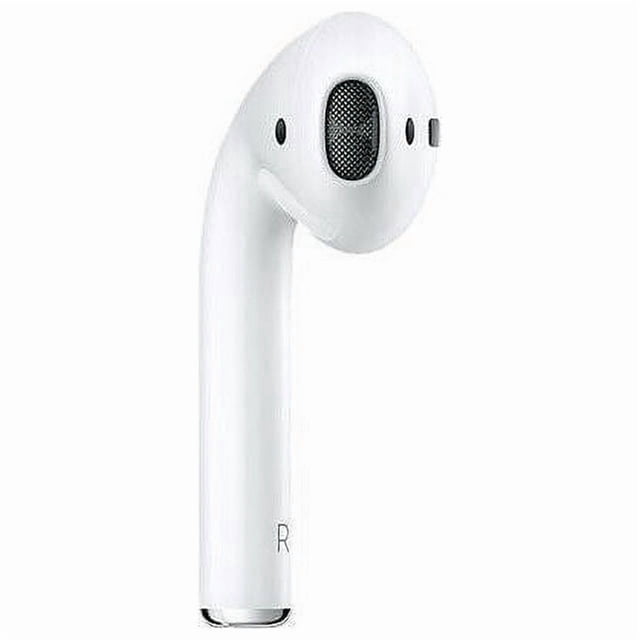
How to Pair a Replacement Right AirPod (AirPods 2nd Gen)
Put BOTH AirPods in the case
- Place your working left AirPod and the replacement right AirPod into the charging case.
- Make sure the case has some battery.
Reset the AirPods
This step is important so they sync together.
- Open the lid of the AirPods case
- On the back of the case, press and hold the setup button
- Keep holding for about 15 seconds
- Release when the status light flashes amber, then white
- This resets and links both earbuds together.
Reconnect to your iPhone
- Keep the AirPods inside the open case
- Hold the case close to your iPhone
- A setup animation should pop up
Follow any on-screen instructions - Tap Connect
Test both earbuds
- Put both AirPods in your ears
- Play music or a video
- Make sure sound comes from both left and right
Important notes
- The replacement must be AirPods 2nd generation (AirPods 1st gen or Pro won’t sync)
- Mixing generations will not work
- Firmware will update automatically once paired



 How do you want your items?